
Juniper and Oakes
juniperandoakes.com
PDF Conversion Score
72/ 100
Score Insights
Fair (0–49)Good (50–79)Great (80–100)
- Native page count
- 31
- PrintFriendly page count
- 29
- Delta
- 6% (High)
We are an independent review service. Company names and favicons are used for identification only and do not imply endorsement or affiliation. All trademarks belong to their respective owners.
Score Breakdown
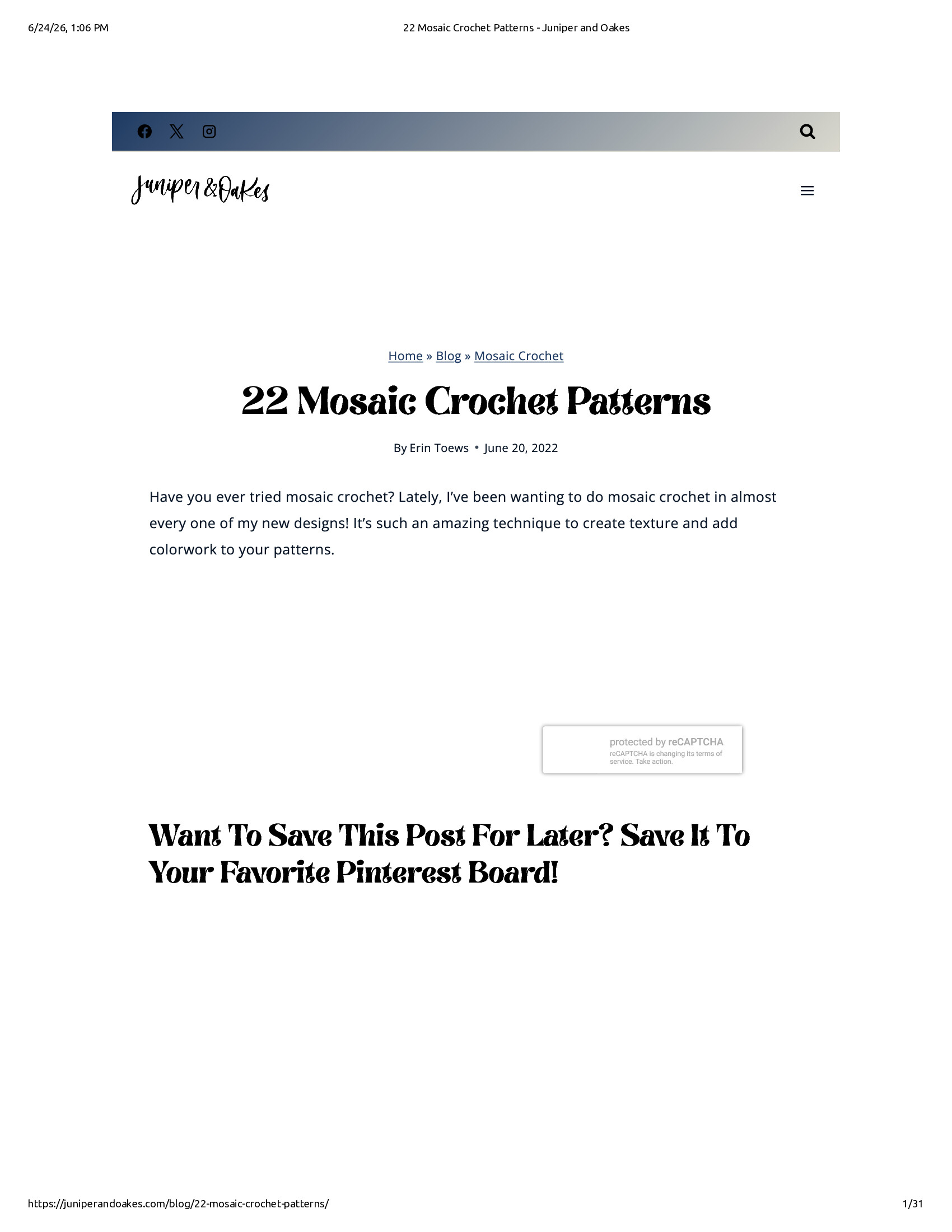
- missing imagesThe page has large blank areas where images should appear, particularly in the middle section and below the Pinterest save prompt, indicating images failed to load during printing.
- reCAPTCHA widget visibleA 'protected by reCAPTCHA' widget is floating in the content area, which is a non-content element that shouldn't appear in a printed page.
- sparse content layoutThe page shows only a brief introductory paragraph and a Pinterest call-to-action heading with large empty spaces, making the page feel incomplete despite being page 1 of 31.
- header/nav clutterThe site header with social media icons, logo, and navigation bar takes up noticeable space at the top of the printed page.
About this website
Juniper and Oakes appears to be a lifestyle or home décor brand offering curated products and design inspiration for the home.
Convert pages on juniperandoakes.com to ad-free PDFs.
Add PrintFriendly to Chrome4.6(5,000 reviews)1,000,000 users
Featured on Chrome Web Store
Create a clean, printable version of Juniper and Oakes
Tested URL: juniperandoakes.com/blog/22-mosaic-crochet-patterns
FAQs
- What does the PDFability score for this site mean?
- The PDFability score shows how well this website converts into a clean, readable PDF. A higher score means the page produces a clearer layout with fewer distractions when converted using PrintFriendly compared to the default browser print version.
- How is this PDFability score calculated?
- The score is based on a visual evaluation of the page after conversion. We compare the website's default print output with the optimized version generated by PrintFriendly and measure factors such as layout clarity, visual clutter, readability, and overall PDF quality.
- What is being compared to generate this score?
- We compare two versions of the same page: the default browser print output and the version generated by the PrintFriendly tool. This comparison helps determine how much the layout, readability, and overall PDF quality improve.
- Why does PrintFriendly sometimes create more pages than the native print version?
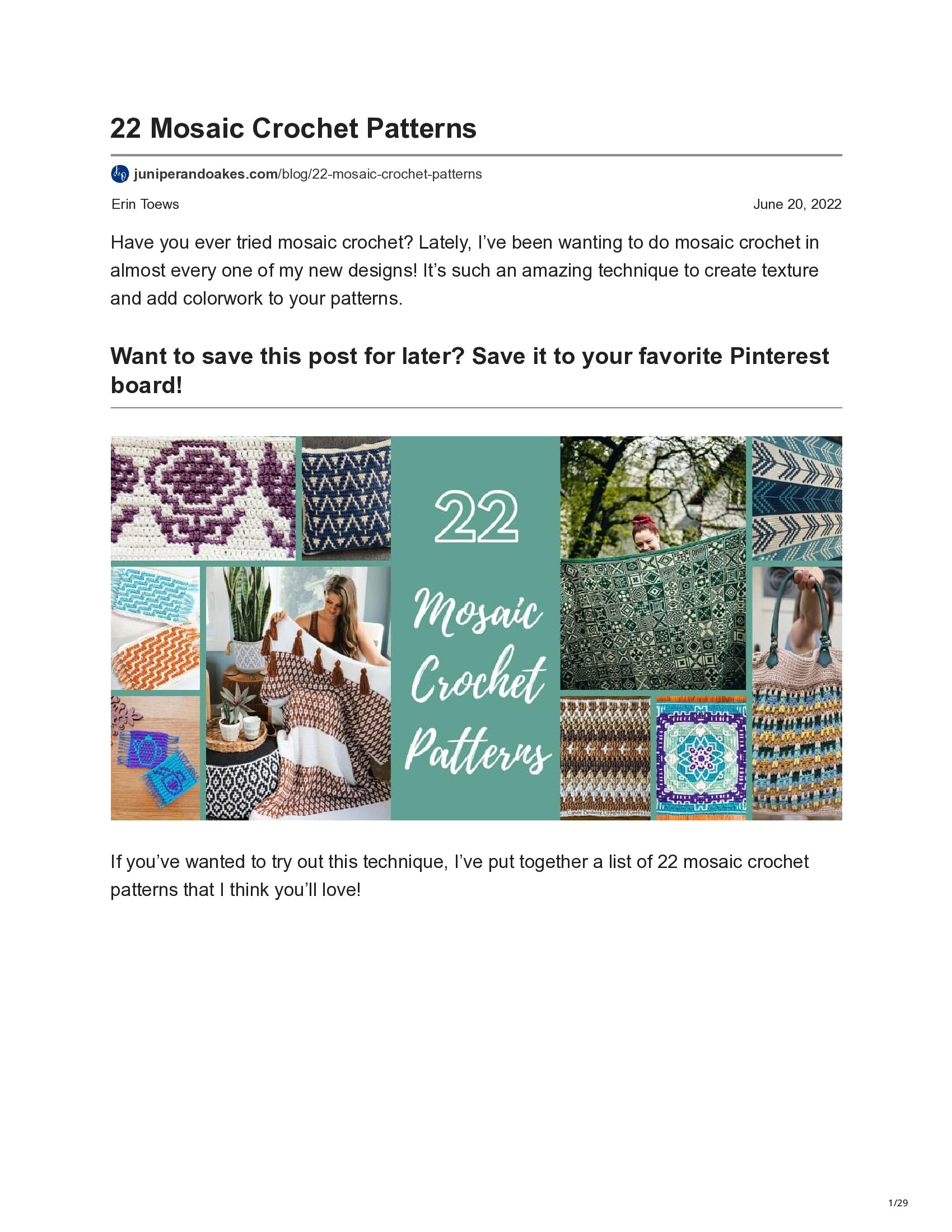
- In some cases PrintFriendly increases the page count in order to improve readability. For example, it may expand images, restore hidden content, or improve spacing and formatting. Even when the page count increases, the resulting PDF can still be cleaner and easier to read.
- Can I generate a clean PDF of this website?
- Yes. PrintFriendly allows you to convert almost any web page into a clean, ad-free PDF that is easier to read, share, or print. You can use the PrintFriendly extension or online tool to create a PDF of this page.