
The Anatomy of a Modern Web Page: How 40% Content Became 100% Distraction
Modern web pages have become increasingly bloated, with the vast majority of their size and complexity coming from JavaScript, images, advertisements, trackers, and other third-party resources rather than the content people actually want to read. This analysis examines how today’s websites allocate bandwidth and screen space, the impact that clutter has on usability, cognitive load, and accessibility, and why a cleaner, content-first browsing experience helps users find information faster and with fewer distractions.
 by Blaine V.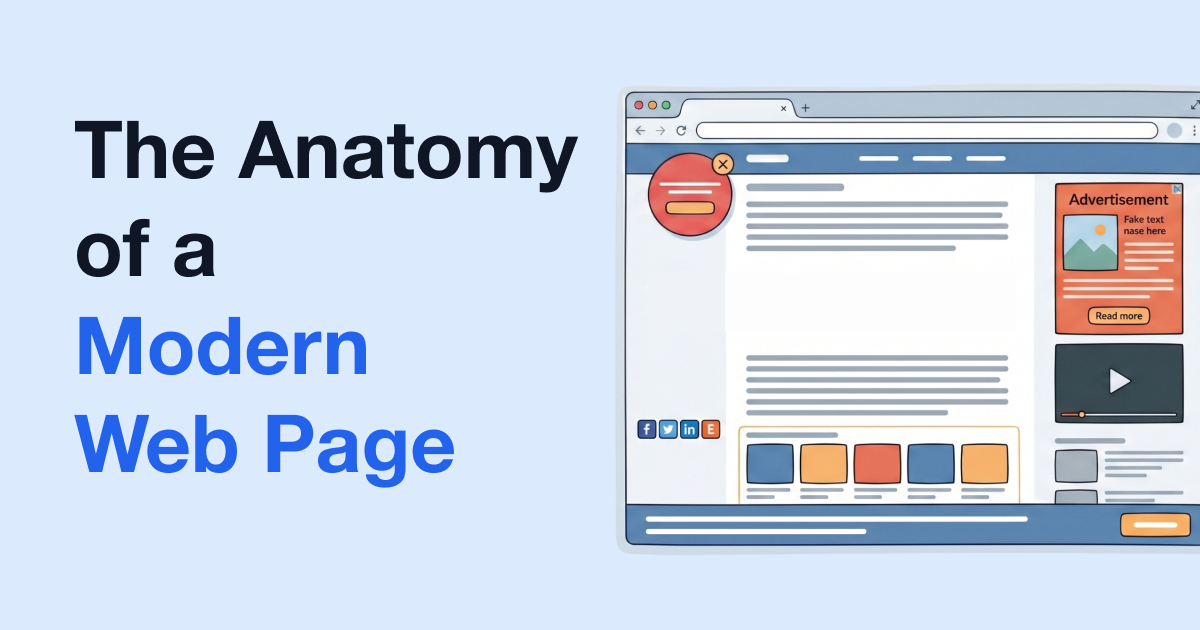
The modern web page has a severe bloat problem, and the actual content you want to read is rarely the culprit.
Today, opening an article usually means downloading a massive payload of competing elements, from invisible tracking scripts to heavy layers of third-party advertisements. What was originally designed as a lightweight medium for delivering information has evolved into a dense, resource-heavy obstacle course.
To understand exactly what is loading behind the scenes and how it impacts the browsing experience, the team at PrintFriendly analyzed the data behind today's more widespread website design elements. The numbers reveal precisely how much of a web page is dedicated to the core content you care about, versus the digital clutter you didn't ask for.

The Bloated Reality of Modern Web Design
Pages carry far more digital mass today than they did a decade ago, fundamentally altering how a web page loads on your device.
Since 2015, the median mobile page size has grown by +202.8%. As of 2025, the average desktop page size sits at 2.9 MB, while the average mobile page reaches 2.6 MB.
A browsing experience that used to be lightweight now drags along non-essential media files, background code, and third-party resources even before the main content becomes visible.
Dissecting the Load
Visual clutter only tells part of the story. Before an article fully renders, your browser processes dozens of hidden files. Here is a breakdown of the median size of elements loading on desktop home pages as of 2025:
| Element | Median Size on Desktop Home Pages |
|---|---|
| HTML | 22 KB |
| CSS | 82 KB |
| Fonts | 139 KB |
| JavaScript | 697 KB |
| Images | 1,058 KB |
The numbers show a clear imbalance: the actual structural content, the HTML, requires just 22 KB of space. Meanwhile, images and JavaScript, often tied to advertisements, consume the majority of the bandwidth, pushing core content to the sidelines.
Competing for Screen Space
While bloated code slows down load times, third-party elements drive the visual chaos crowding your screen. Digital ads support publishers, but excessive scripts and widgets actively compete with the core content for user attention.
Currently, more than 9 in 10 web pages include at least one third-party resource, such as visitor-tracking tools, social media embeds, video players, or advertisements, even though consumers have clear preferences regarding these elements:
- Ad Density Limits: Users consider ad densities exceeding 50% on desktop displays or 30% on mobile screens unacceptable.
- High-Friction Formats: The least-preferred ad formats include pop-ups, autoplay videos with sound, and advertisements that force a user to wait before viewing the page.
When these aggressive third-party elements dominate the layout, locating the essential content becomes an immediate challenge.
How Clutter Degrades the User Experience
Crowded layouts actively harm the user experience by obscuring the content you came looking for. When researchers evaluate website clutter, they identify two primary sources for this tension:
- Content Clutter: Excessive or irrelevant elements, such as aggressive advertisements and unnecessary videos.
- Design Clutter: Layout choices that make navigation confusing.
Together, these two variables account for 45% of how cluttered a user judges a site to be. Predictably, pages with higher clutter ratings link directly to lower usability scores.
The Cognitive Toll of Browsing
Complex web design drains mental energy. Every distinct visual element on a page demands a reaction. For every banner, widget, or pop-up, a user must make a micro-decision:
- Ignore it?
- Close it?
- Watch it?
- Click it?
- Keep scrolling?
Individually, these actions seem small. Together, they compound, increasing cognitive load and forcing users to repeatedly process unwanted visuals instead of focusing on the essential content.
The Accessibility Cost of Overcrowded Web Design
Cognitive overload frustrates the average user, but for those navigating with disabilities, page bloat also acts as a direct barrier to access. Visual clutter can go beyond annoyance, preventing individuals from using the web entirely.
Accessibility data highlights widespread structural flaws across the internet:
- Ads are associated with accessibility issues on 67% of websites.
- The average home page contains 56.1 detected accessibility errors.
- Users navigating with disabilities may hit an accessibility error on roughly 1 in every 26 home page elements.
These issues are frequently built into how a page behaves. Missing labels, keyboard traps, and ads that are difficult or impossible to close make online content highly inaccessible.
Give Your Content Room to Breathe
Useful website design prioritizes the user. Making the main content easy to find and interact with improves the entire browsing experience: Navigation is predictable, and focus stays exactly where it belongs.
In short, a structured, user-first layout and design ensures people get what they need without unnecessary detours or an additional cognitive tax.
PrintFriendly understands how wasteful and detrimental website clutter has become, and with our help, you don't have to accept a degraded user experience. We provide tools to cut through the noise so you can get exactly what you came for. Try PrintFriendly's Chrome extension to print, screenshot, or convert to PDF any page with no ads, no sidebars, and no clutter, bypassing the bloat entirely and preserving only the essential content you actually care about.
Sources:
https://almanac.httparchive.org/en/2025/page-weighthttps://almanac.httparchive.org/en/2025/third-parties
https://www.betterads.org/standards/
https://measuringu.com/wp-content/uploads/2024/06/2024_MeasuringThePerceivedClutterOfWebsites.pdf
https://arxiv.org/abs/2409.18590
https://webaim.org/projects/million/
https://link.springer.com/chapter/10.1007/978-3-031-58396-4_24
https://arxiv.org/abs/2404.14232
https://www.nngroup.com/articles/4-principles-reduce-cognitive-load/
https://developers.google.com/search/docs/appearance/page-experience
https://developers.google.com/search/docs/appearance/avoid-intrusive-interstitials

