
HEIC to PDF Converter
Convert an iPhone HEIC or HEIF photo to a PDF online. Upload the photo, we convert it on our servers, and you download the PDF.
- Works with .heic and .heif photos from an iPhone or iPad.
- Converted on our servers, so your browser does not need to open HEIC files.
- Upload and convert for free. Download the PDF with a free account.
Upload a file
Turn iPhone Photos into PDFs
A form, a school portal or an email asks for a PDF, and your photo is a HEIC. Convert it here in three steps.
HEIC Photos, Converted on Our Servers
Many browsers and Windows apps cannot open a HEIC file. That does not matter here. Your HEIC or HEIF photo is converted to PDF on our servers, so it works the same in Chrome, Edge, Firefox or Safari, on a Mac, a Windows PC or a phone.
When the conversion finishes, download the PDF and attach it to the form or email that asked for it. Downloading needs a free account, and you are asked to sign in or create one at that point.
One Photo at a Time, Then Merge
Each conversion takes one photo. To put several photos in one PDF, convert each one, then join the PDFs with our Merge PDF tool.
Files can be up to 100 MB. Files you upload, and the PDFs made from them, are deleted from our servers within 48 hours, whether or not you download them.
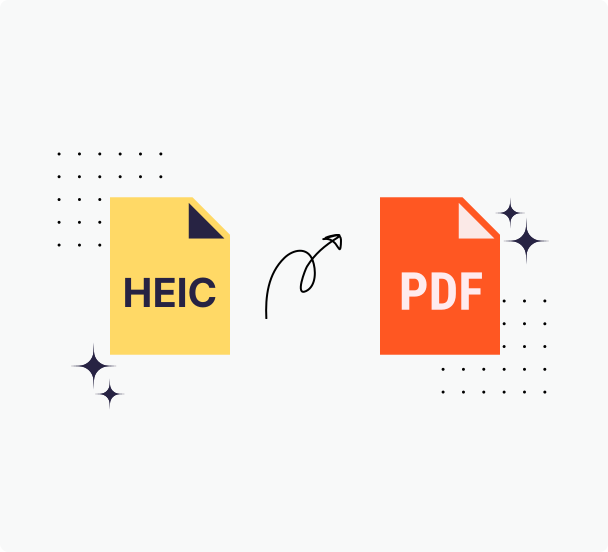
How to Convert HEIC to PDF
Step 1: Choose your HEIC photo
Drag a .heic or .heif file onto the upload box above, or click the box to choose one.
Step 2: Wait for the conversion
A progress window shows the upload, then the conversion on our servers.
Step 3: Download your PDF
Download the PDF. Downloading needs a free PrintFriendly account, and you are asked to sign in or create one at that point.
Why Convert HEIC to PDF with PrintFriendly
HEIC keeps iPhone photos small, but plenty of places will not take it. PrintFriendly converts the photo for you and hands back a PDF that opens anywhere.
Works in Any Browser
HEIC and HEIF files are converted on our servers, so you do not need a browser or app that can open them.
Any Device
Use it on a Mac, a Windows PC, a Chromebook, a tablet or a phone with a modern browser. There is nothing to install.
Deleted Within 48 Hours
Files you upload, and the PDFs made from them, are deleted from our servers within 48 hours, whether or not you download them.
Free to Use
Converting is free. Downloading the PDF needs a free account, and no paid plan is needed.
Frequently Asked Questions
Check out these commonly asked questions and answers about our service. Please feel free to contact us if you have any additional questions.
How do I convert a HEIC file to PDF?
Drag the HEIC file onto the upload box on this page, or click the box to choose it. Wait for the conversion to finish, then download the PDF. Downloading needs a free account.Does it convert HEIF files too?
Yes. Files ending in .heic and .heif both convert to PDF.My browser cannot open HEIC files. Will this still work?
Yes. HEIC and HEIF photos are converted on our servers, so it does not matter whether your browser can display them.Can I convert several HEIC photos into one PDF?
Not in one step. The converter takes one image at a time, so convert each image to PDF and then join the PDFs with Merge PDF.Do I need an account to convert HEIC to PDF?
You can upload and convert without one. Downloading the PDF needs a free account, and you are asked to sign in or create one at that point. No paid plan is needed.Is there a file size limit?
Yes. Each file can be up to 100 MB.What happens to my photo after I convert it?
Your photo, and the PDF made from it, are deleted from our servers within 48 hours, whether or not you download them.
Related Tools
JPG to PDF
Turn a JPG image into a clean PDF, ideal for scans, receipts, and photos.
PNG to PDF
Turn a PNG screenshot, chart or graphic into a PDF you can print, sign or share.
Merge PDF
Combine multiple PDF files into one organized document in seconds.
Compress PDF
Reduce the size of your PDF files using our compressor—no bulky software required.