How to Save PowerPoint Slides as Images
Tired of clunky software to snag high-res images from PowerPoint slides? This free online tool instantly converts any PPT slide to JPEG—no downloads, sign-ups, or quality loss, saving you time and hassle.
PDF and printing tips, product updates, and stories from the team.

Tired of clunky software to snag high-res images from PowerPoint slides? This free online tool instantly converts any PPT slide to JPEG—no downloads, sign-ups, or quality loss, saving you time and hassle.

Shrink your PDFs down to email-friendly sizes in seconds without losing quality, so your files sail through inbox limits and reach recipients instantly.

Slides can't read a PDF, but it reads PowerPoint just fine. Turn the PDF into a .pptx first, then import it, or bring pages in as pictures when you only need them to show.

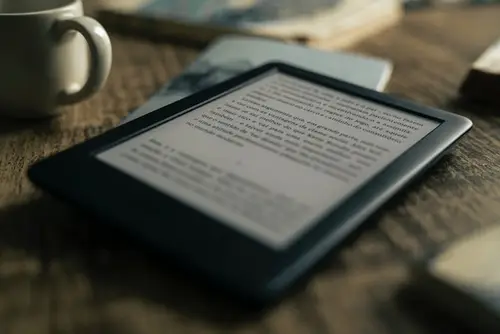
Unlock the secret to beaming PDFs straight to your Kindle in minutes—no apps or hassle required. Ditch clunky transfers and dive into your docs anywhere with Amazon's effortless email trick!

Discover how to effortlessly send PDFs via text on any device—no apps, Wi-Fi, or hassle needed. Save time and money while ensuring seamless sharing for work or play!

Every email app can save a message as a PDF, it's just hidden behind Print. Here's where it is in Gmail, Outlook, Apple Mail and on your phone, plus how to keep only the part you need.

You tapped Download and the PDF vanished. It's almost always in the Files app, and when it isn't, it was probably never saved in the first place.

A black box on top usually leaves the words in the file. Here's how to black out text in Edit PDF so it's really gone, and how to check before you send.

Paste a link on our home page, or use the extension on the page you're reading, and you get a clean PDF of the article. Here's which way to use when.