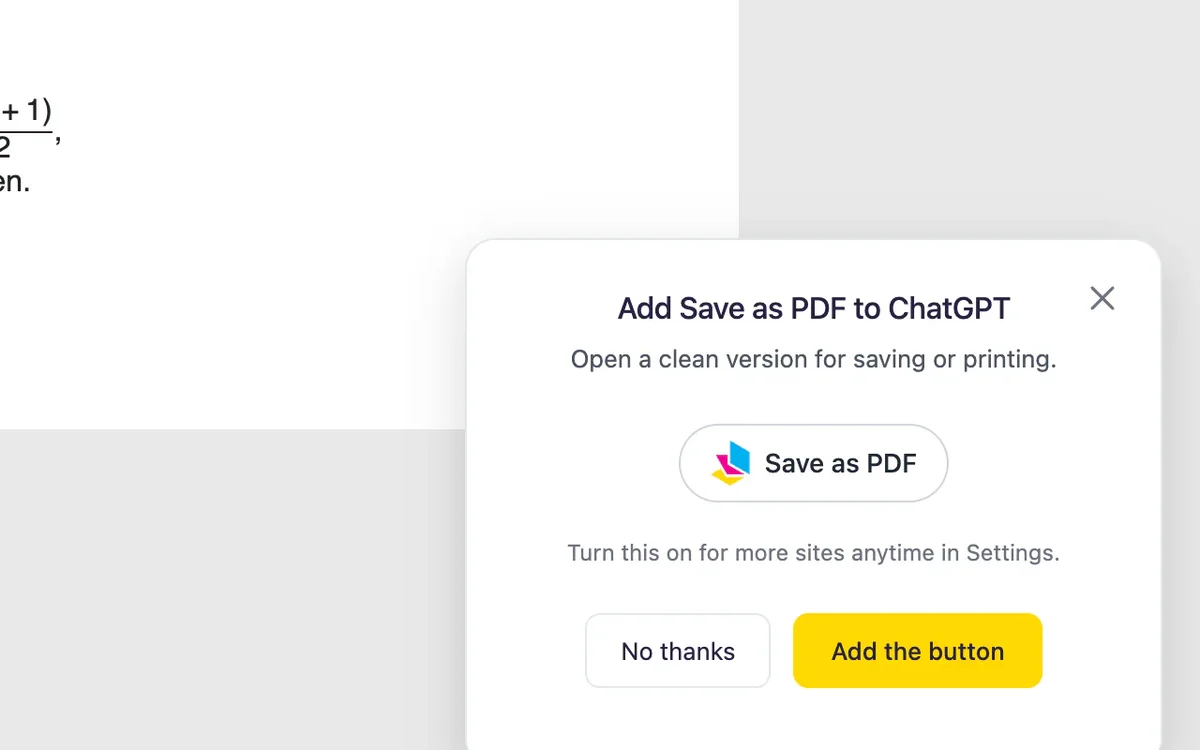
A Save as PDF button in the chat itself
PrintFriendly can add a Save as PDF button to the top of the chat, and a small icon under each answer. They are off until you turn them on, so nothing changes on the site the day you install.

PrintFriendly turns a ChatGPT, Claude or Gemini conversation into a clean transcript you can save or print: your prompts, the answers, and nothing else from the page.
 Add PrintFriendly to Chrome
Printing and saving PDFs is free.
Want every step? See the walkthrough for a Claude chat.
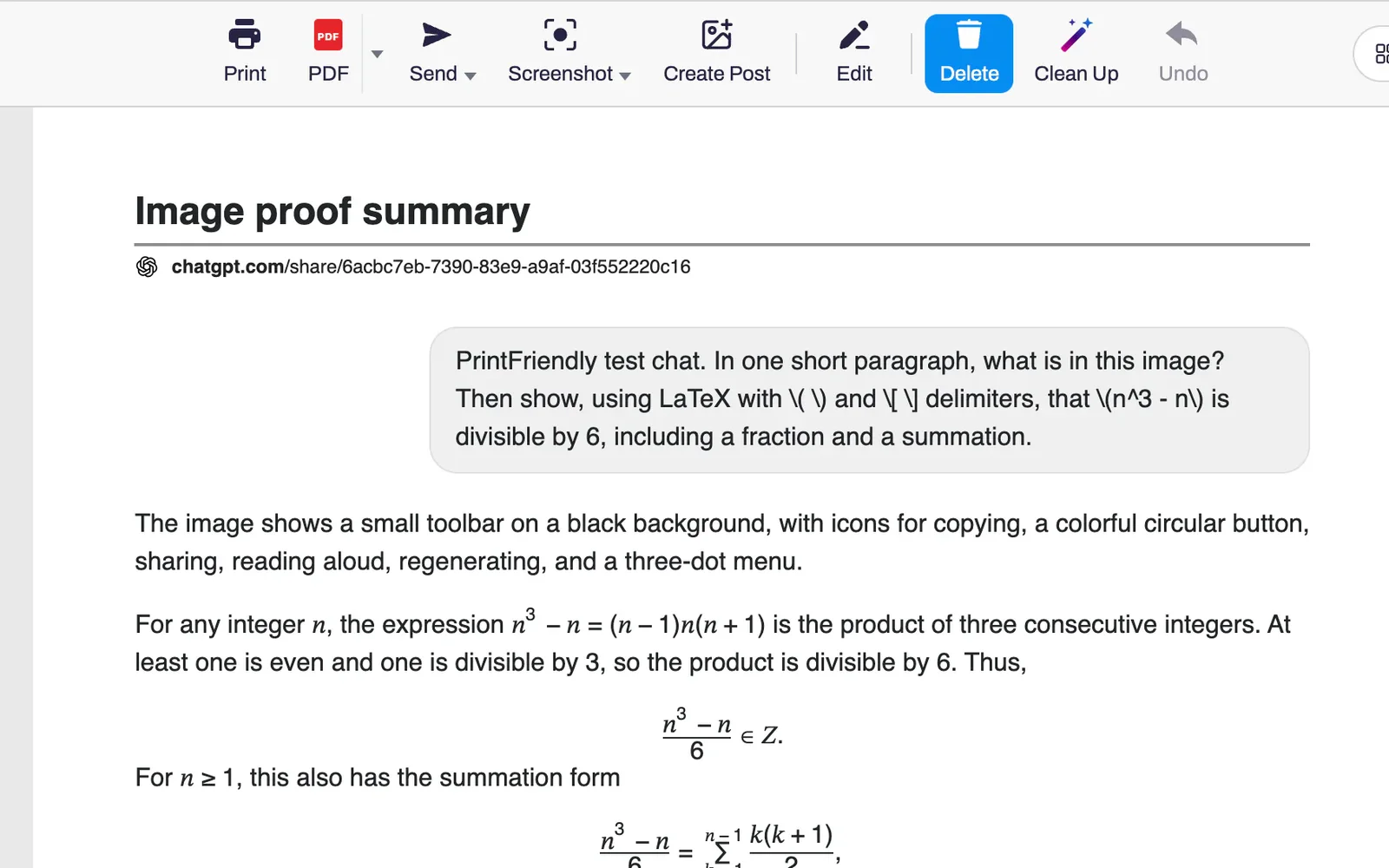
Open the conversation and click the PrintFriendly button in your browser's toolbar.
The whole chat opens as a transcript: your prompts in bubbles on one side, the answers at full width.
Click PDF to save it, or Print.
PrintFriendly can add a Save as PDF button to the top of the chat, and a small icon under each answer. They are off until you turn them on, so nothing changes on the site the day you install.
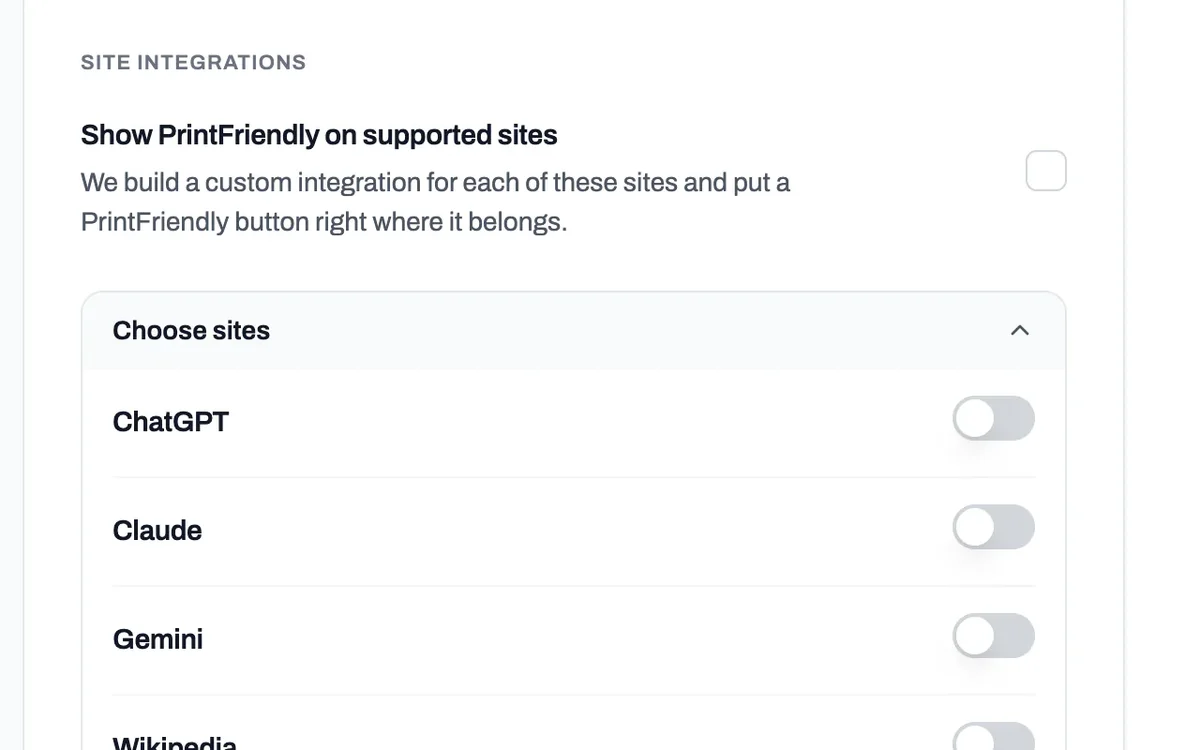
In Settings, under Where PrintFriendly Appears, switch on the chat sites you want buttons on.
Long chats come through from the first prompt to the last answer, not just the part on your screen.
Code blocks, tables and lists stay as they are, equations read as equations, and links stay links.
With the buttons on, the icon under an answer saves that answer with the question you asked before it.
There is no share link to create and nothing to paste into another site. It works on the chat you already have open.
Click a block to delete it, or click Edit to change the words.
The sidebar with your other chats, the message box and the buttons under each reply.
ChatGPT, Claude, Gemini and DeepSeek. The Save as PDF buttons are for ChatGPT, Claude and Gemini. On any of them, the PrintFriendly button in your toolbar does the same job.
Yes. Saving or printing a chat is free and needs no PrintFriendly account.
No. PrintFriendly works on the chat you have open in your browser. There is no share link to create.
The buttons are off until you turn them on. Open the chat, click the PrintFriendly button in your toolbar and accept the offer to add the button, or switch the site on in Settings.
Yes. The whole thread comes through, from your first prompt to the last answer.
In the PrintFriendly extension for Chrome, Edge and Firefox. ChatGPT and Claude chats work in Safari too.
“It's a very useful extension that has removed many hassles for me that I encountered earlier when creating transcripts of my chats with Gemini. Thanks for making this available to everyone - it's a great service!”
Add PrintFriendly to your browser and open the conversation you want to save.