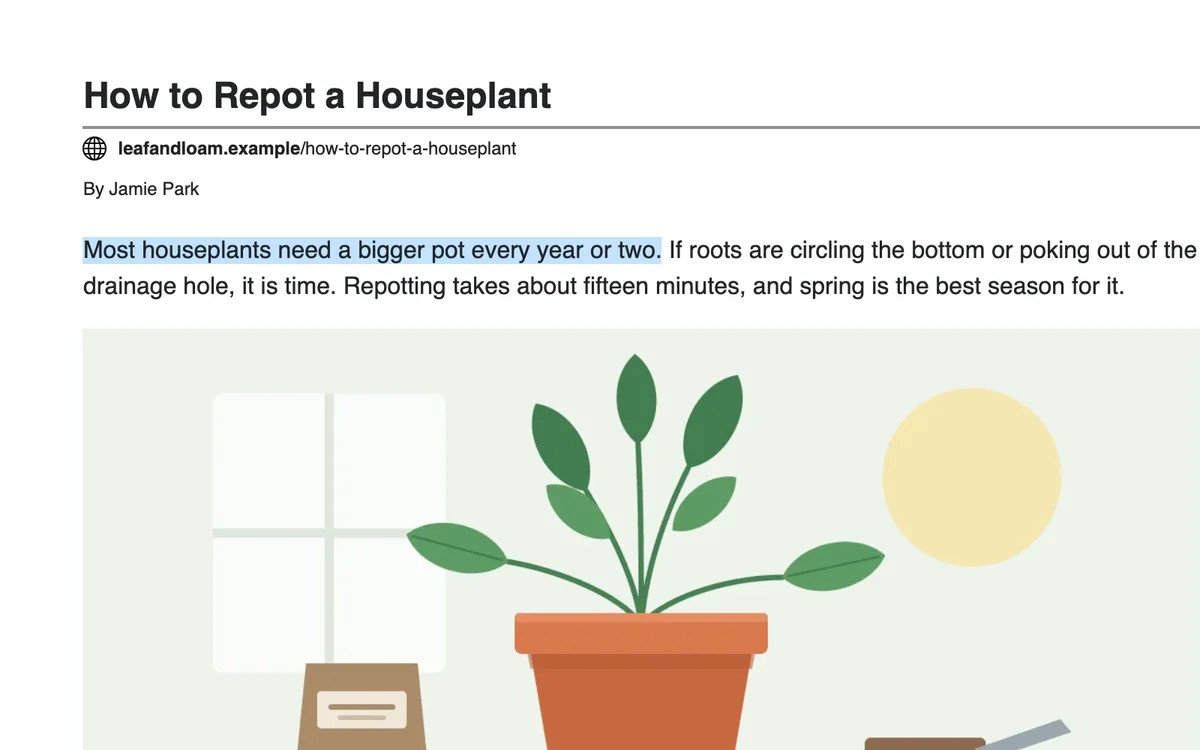
Follow along on the page
Each sentence is highlighted as it is read, and the page scrolls to keep it in view.

Listen reads the article to you and highlights each sentence as it goes. It reads the article itself, not the menus, ads and share buttons around it.
 Add PrintFriendly to Chrome
Listen is free.
Already have it? See how Listen works.
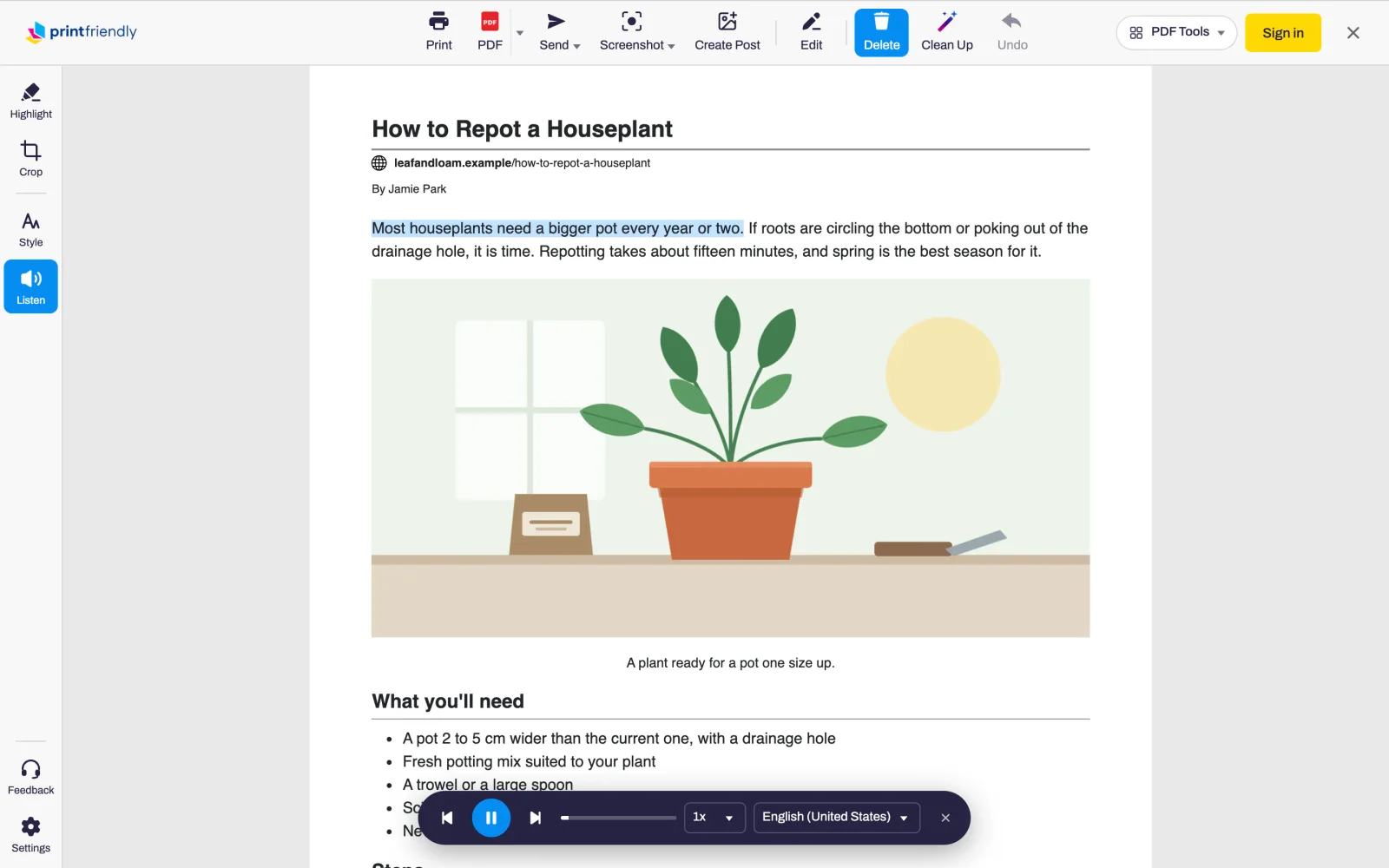
Open an article and click the PrintFriendly button in your browser's toolbar.
Click Listen. A player appears and starts reading from the top.
Pause, skip a sentence or change the speed and voice from the player.
Each sentence is highlighted as it is read, and the page scrolls to keep it in view.
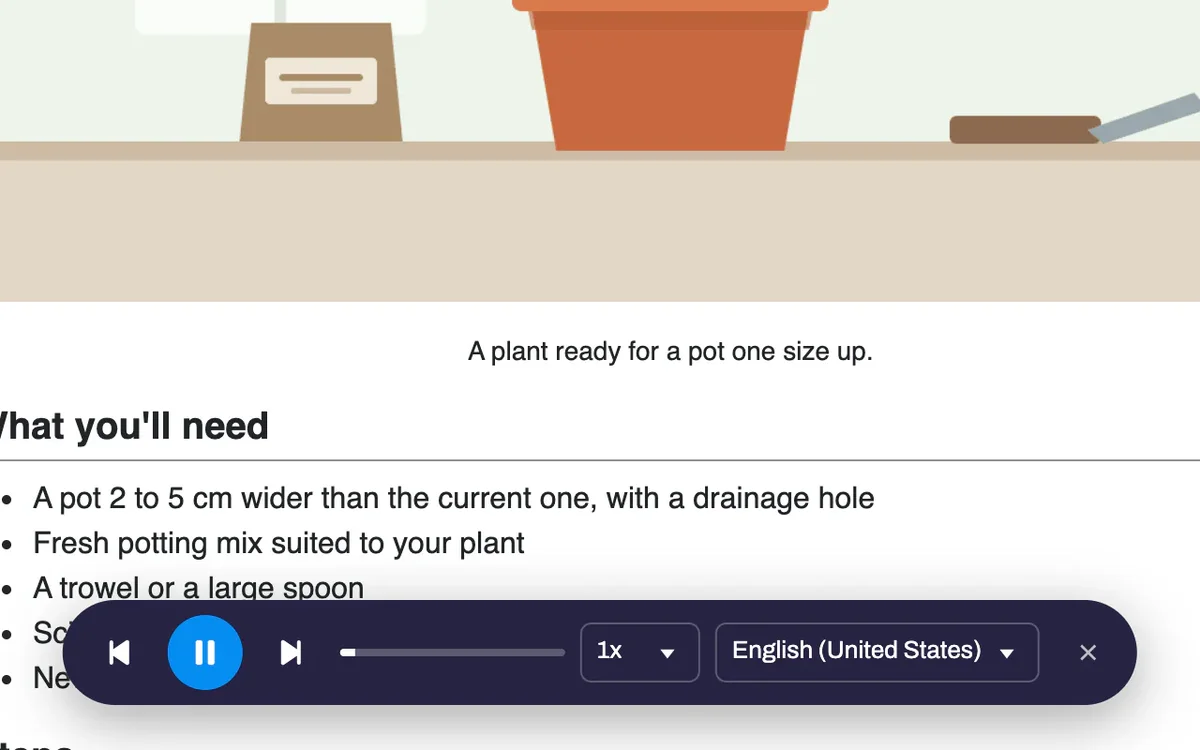
Play, pause, skip back or forward a sentence, or drag the bar to any point. Stop partway and Listen picks up from that sentence when you open the article again.
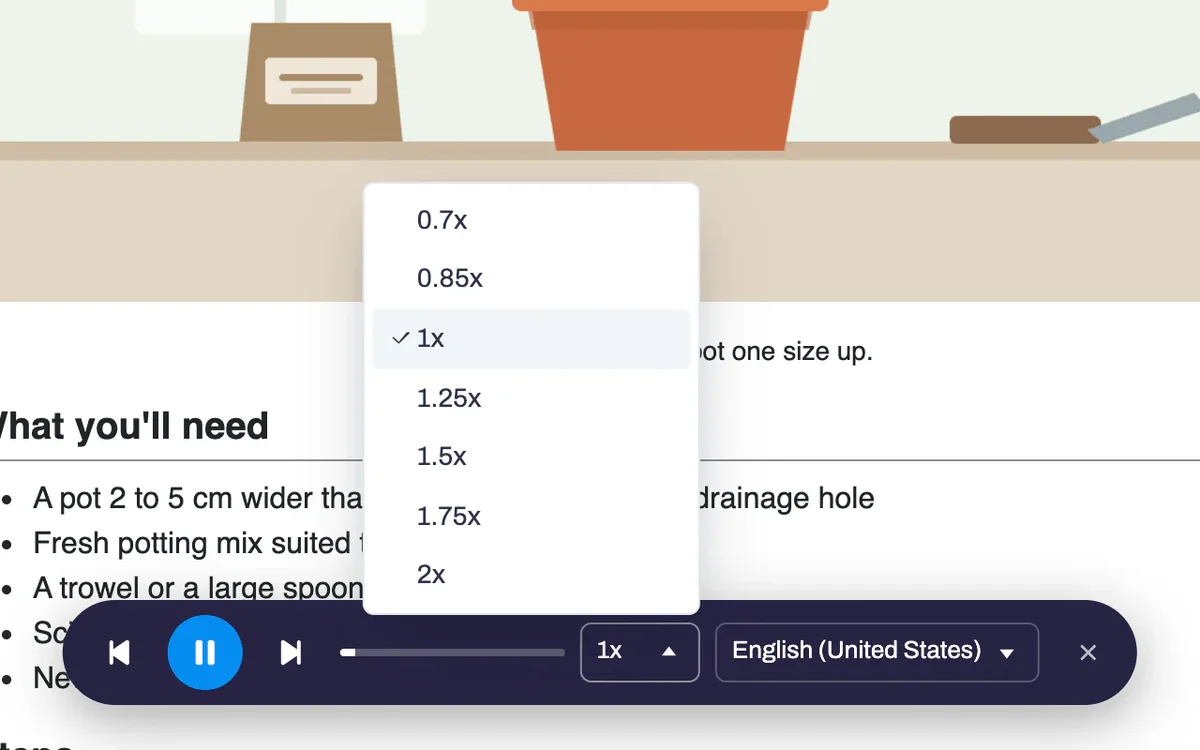
From 0.7x when you want to take it in slowly, to 2x when you want to get through it.
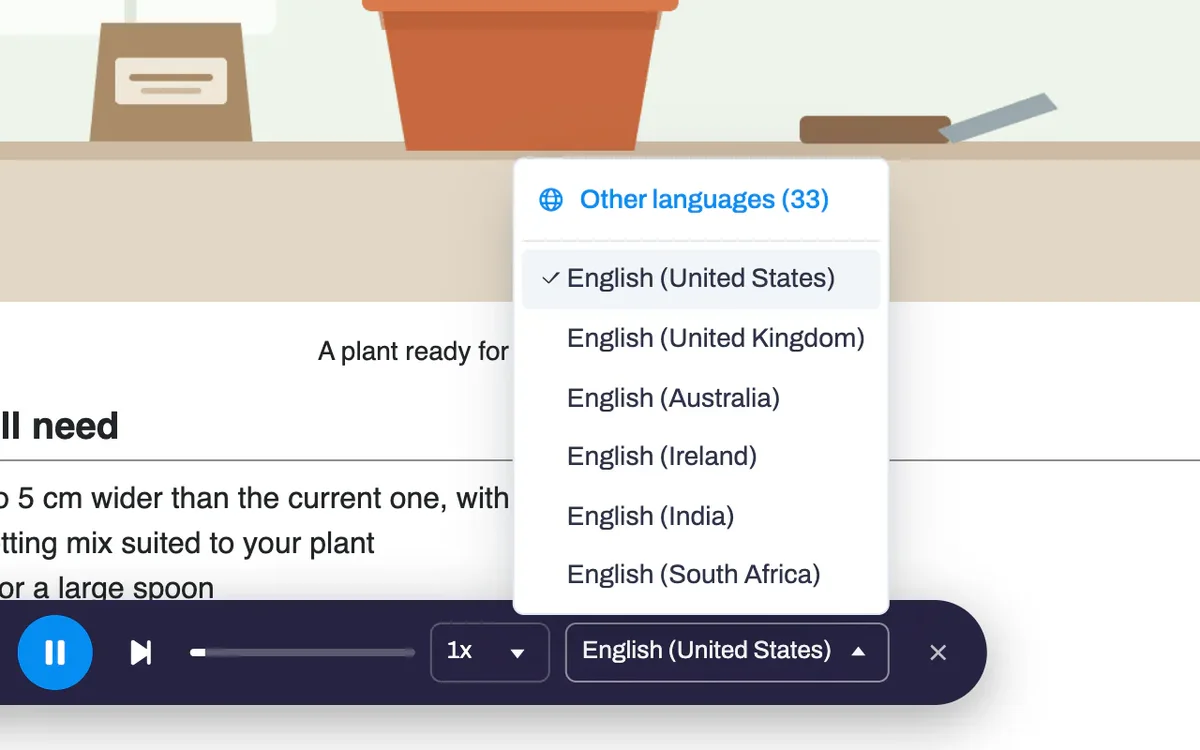
Listen picks a voice that matches the article, and remembers the voice you choose for each language.
Yes. It costs nothing, needs no account and asks for no extra permissions.
Your browser does the speaking, so the voices depend on it. Edge includes Microsoft's natural-sounding online voices and Chrome includes Google's. Safari and Firefox use the voices installed on your computer, phone or tablet.
The menus, ads and share buttons around the article. It also skips code blocks and citation marks such as [1], and says how many rows a table has instead of reading every cell. Delete a part of the page before you first press Listen and it won't be read.
Yes, for the last article you listened to. Open it again and Listen carries on from that sentence.
No. Your browser does the speaking, using its own voices.
Chrome, Edge, Firefox and Safari, including Safari on iPhone and iPad.
Add PrintFriendly to your browser and press Listen on the next long article.