One short paragraph
Enough to tell you what the article says. Click Summarize again and it writes a new one.

Summarize writes one short paragraph about the article you are reading, so you can decide whether it is worth your time before you read it or print it.
 Add PrintFriendly to Chrome
Free with a PrintFriendly account.
Already have it? See how Summarize works.
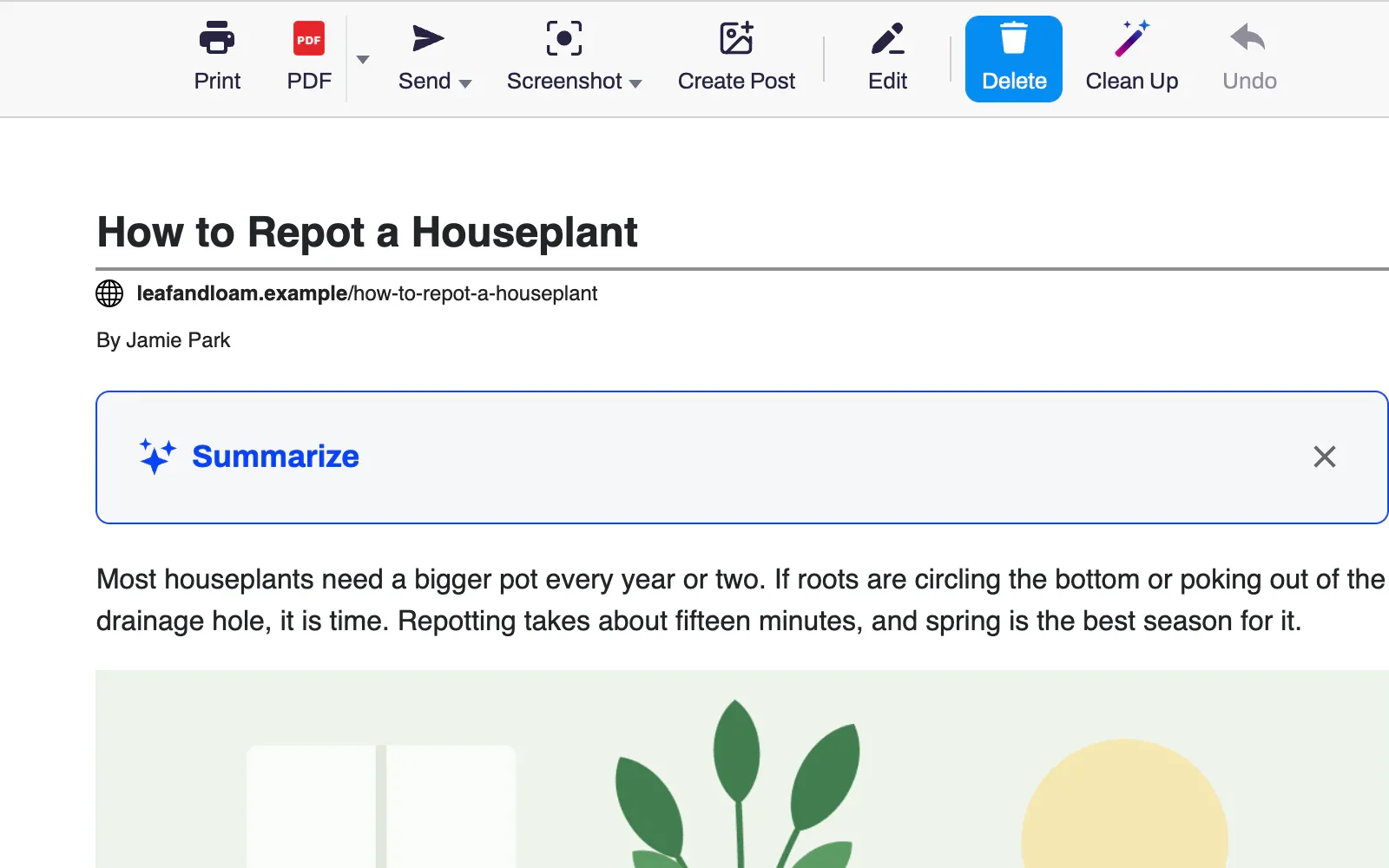
Open an article and click the PrintFriendly button in your browser's toolbar.
Click Summarize in the box above the article. The first time, sign in or create an account.
Read the summary. Tick the box under it to put it on your printout or PDF.
Enough to tell you what the article says. Click Summarize again and it writes a new one.
A French article gets a French summary, whatever language your browser is set to.
Tick Include this summary in Print and PDF and it sits in a box above the article. It is also included in Word and Markdown files and in copied text.
Paste an article's address on printfriendly.com and click Summarize above the article. Summaries there count toward the same daily limit.
Nothing is sent until you click Summarize. Then the article's text goes to an AI service that writes the summary. PrintFriendly keeps neither the text nor the summary.
Close the box and choose Always Hide. You can bring it back in Settings.
Yes, with a free PrintFriendly account. Each account can make a set number of summaries a day.
Each summary is written by an AI service, and the daily limit is counted per account. Printing and saving PDFs work without signing in.
PrintFriendly tells you the time you can start again, in your own time zone. A summary that fails does not count toward the limit.
On a very long article, Summarize reads the first several thousand words, so the summary covers that part.
The article's text. The page's address and title are not sent with it, and nothing is sent until you click Summarize. PrintFriendly does not save the text or the summary.
In the PrintFriendly extension for Chrome, Edge, Firefox and Safari, including Safari on iPhone and iPad, and on printfriendly.com.
Add PrintFriendly to your browser, open a long article and click Summarize.