PrintFriendly

Print just the recipe

On many recipe pages PrintFriendly opens straight on the recipe: the ingredients beside the numbered steps, without the ads, the pop-ups or the story above it.

Add PrintFriendly to Chrome

Printing and saving PDFs is free.

Want every way to do it? Read how to print just the recipe.

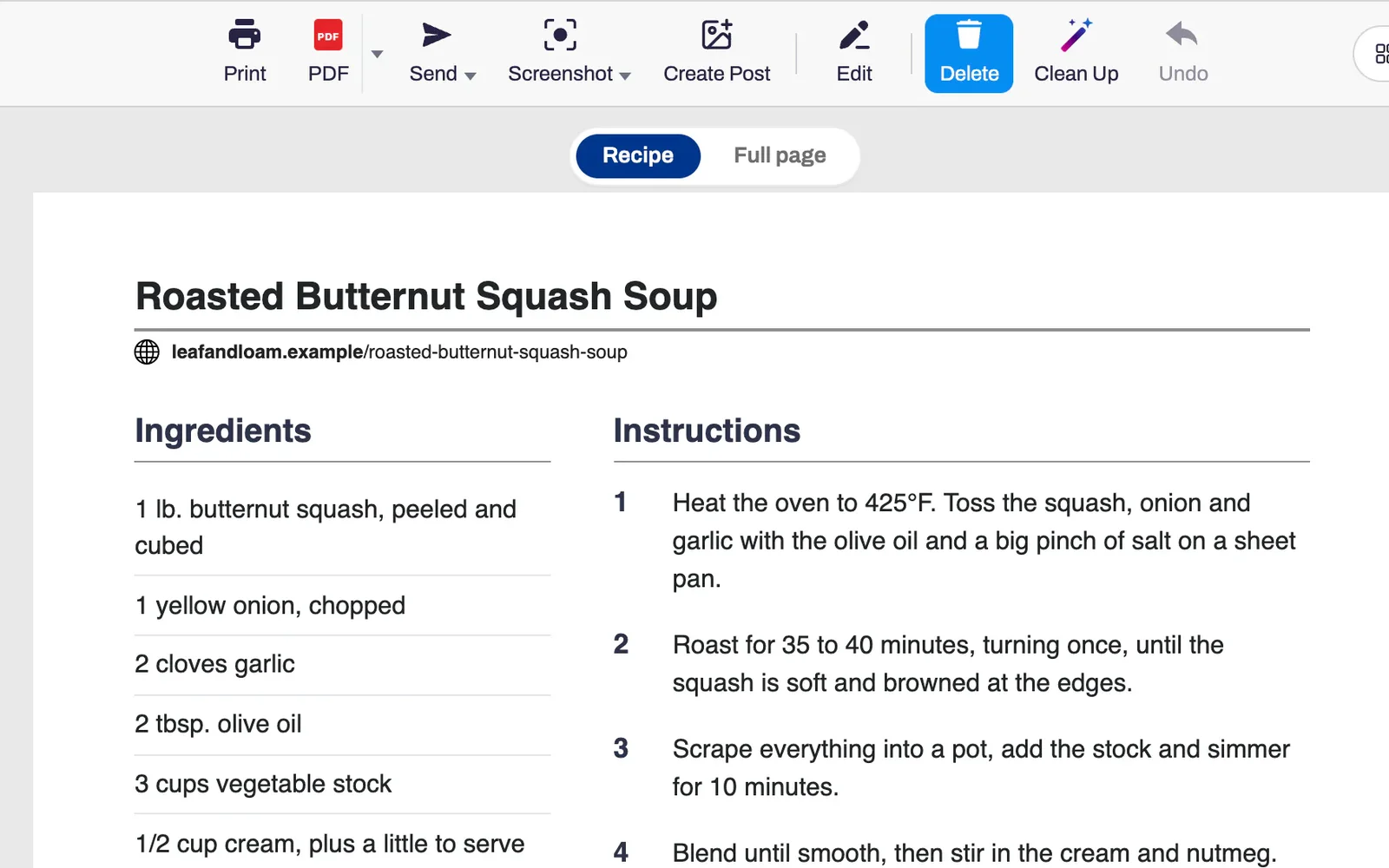
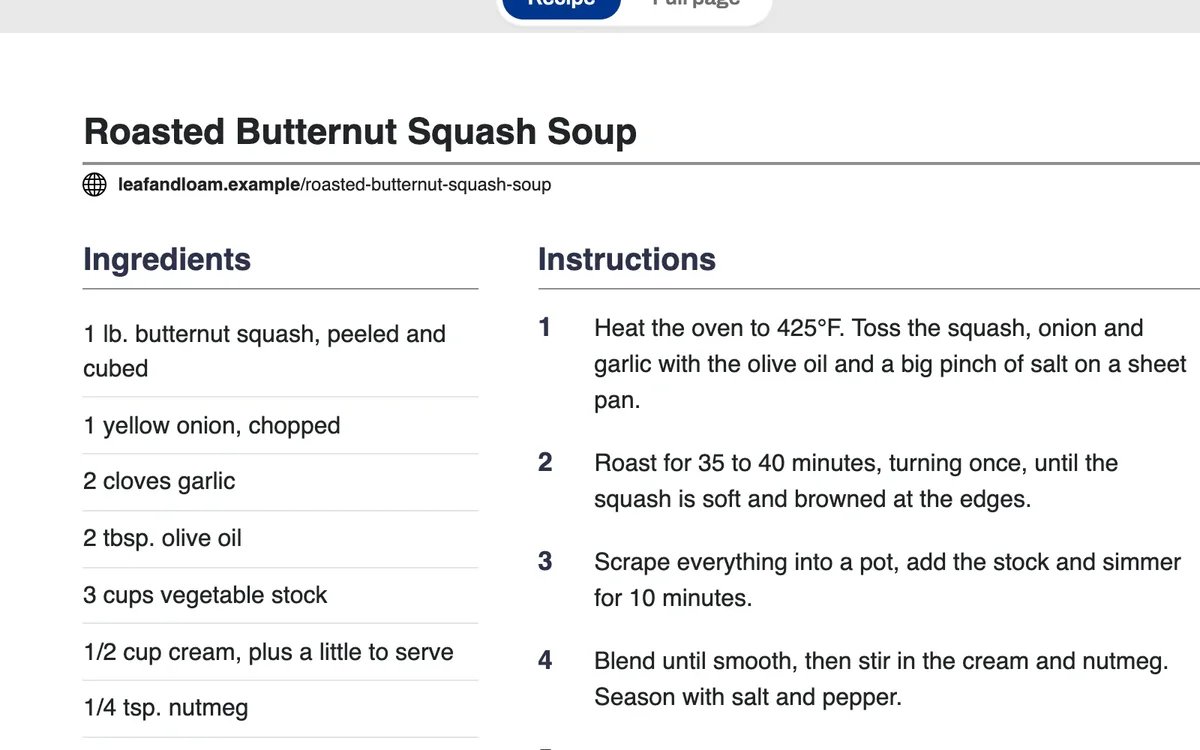
A recipe open in PrintFriendly's recipe view, with the ingredients in a column beside the numbered steps.

How it works

  1. Open the recipe and click the PrintFriendly button in your browser's toolbar.

  2. Where PrintFriendly finds the recipe, a Recipe and Full page switch appears above the page. Choose Recipe.

  3. Click Print, or PDF to save it.

What you get

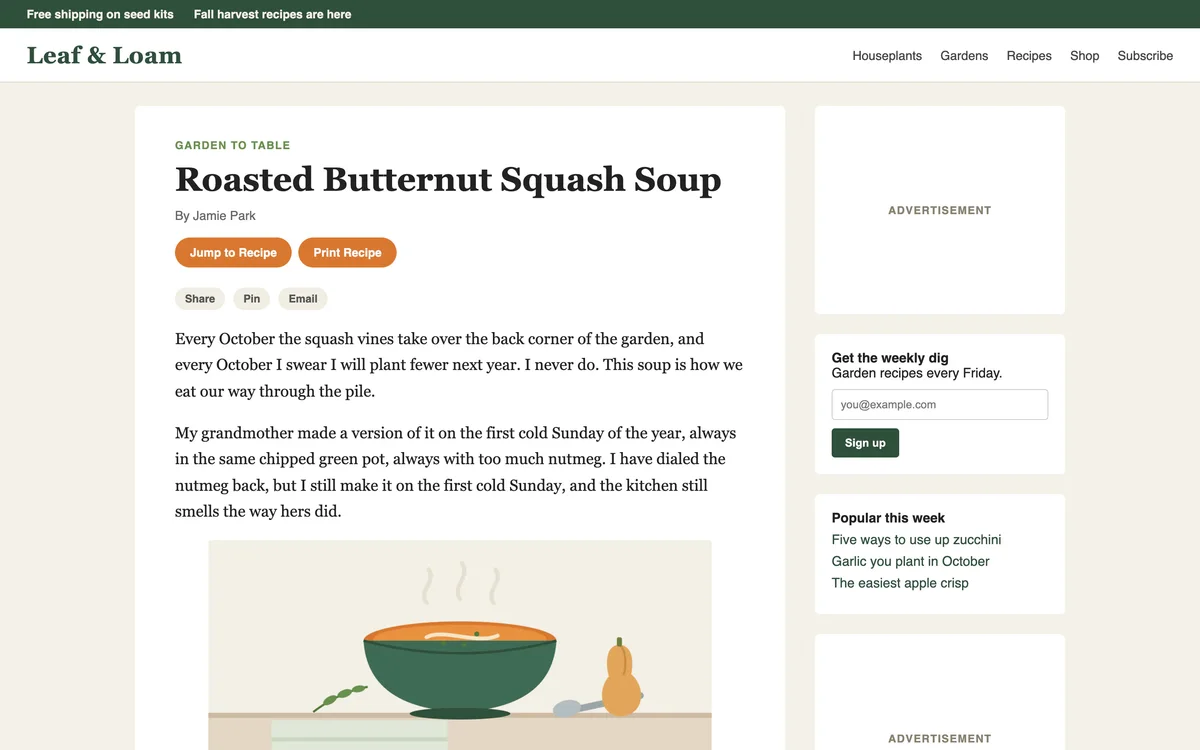
A recipe page as published, with a story, share buttons, an ad and a sign-up box before the recipe.

It skips the story

Recipe pages put ads, pop-ups and a long story above the recipe. PrintFriendly leaves them out and shows the recipe itself.

“Truly helpful. I have used this for pairing down descriptions and commentary about recipe development to get a clean simple copy on as few pages as possible.”
Ivy C.
The recipe view: a list of ingredients beside five numbered steps.

Ingredients beside the steps

The ingredients sit in a column beside the numbered steps, with the photo, servings, times, notes and nutrition when the site lists them.

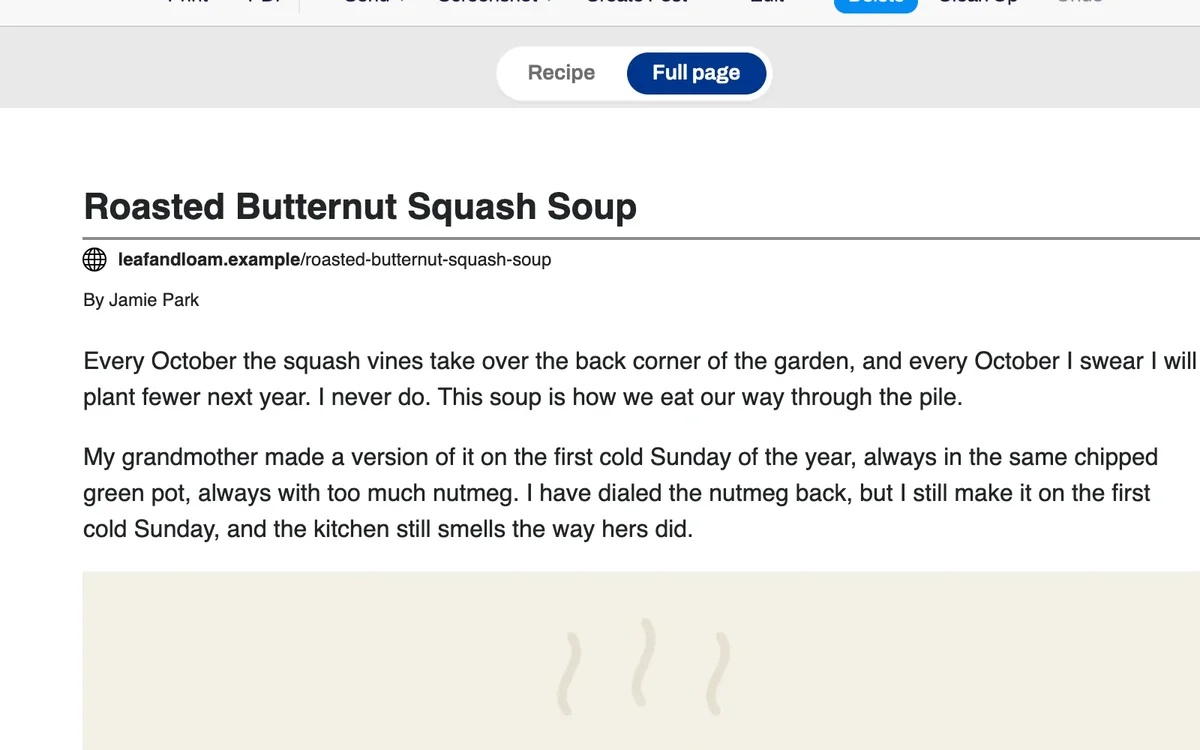
The Recipe and Full page switch, with Full page chosen and the whole article below it.

The full article is one click away

Full page shows the whole article, cleaned up, for when the cook's tips are in the story. The switch only applies to that page, and it never prints.

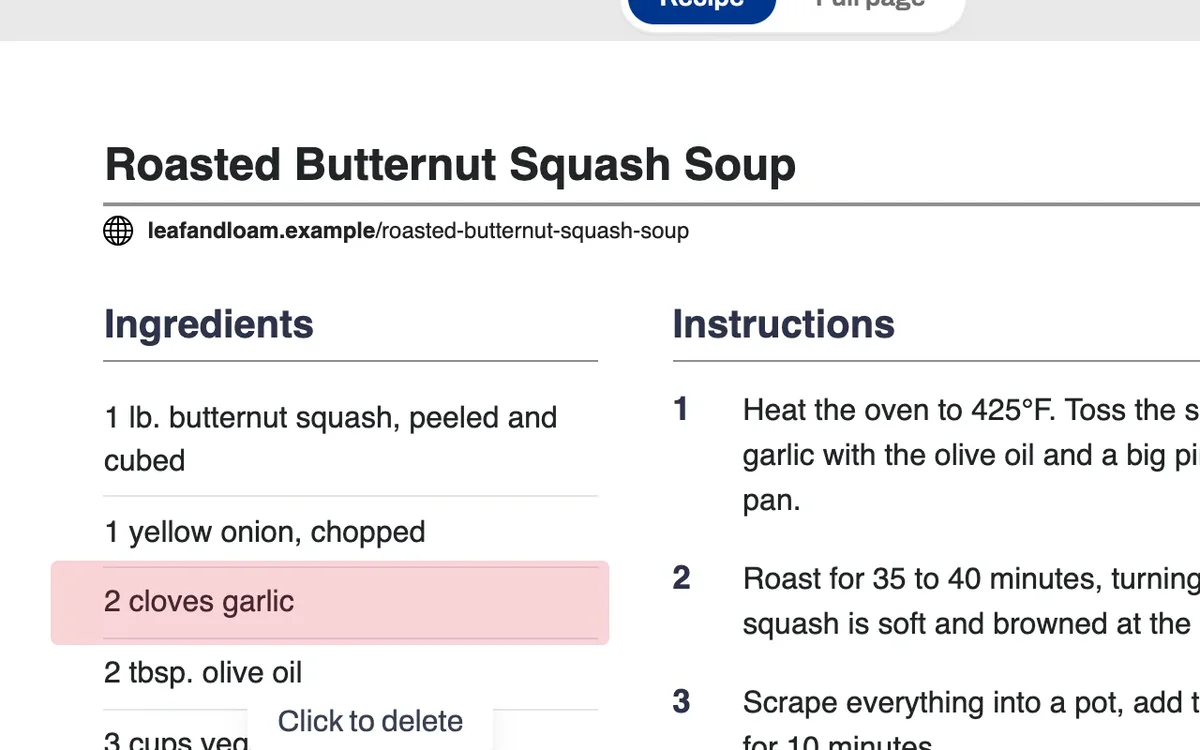
An ingredient line highlighted in the recipe view, with a Click to delete label.

Drop what you don't need

Hover over an ingredient, a note or the nutrition and click to delete it. Undo puts it back.

Questions about printing recipes

Is it free?

Yes. Printing a recipe and saving it as a PDF are free and need no account.

Does it work on every recipe site?

It works on most. Where PrintFriendly can't find the recipe on a page, it opens the whole article with the ads and clutter removed, and you can delete the rest yourself.

Can I make the text bigger?

Yes. Open Style and turn up Text size. Image size shrinks the photos, or removes them at 0%.

Can I save recipes instead of printing them?

Yes. Click PDF and you get a file of just the recipe.

The recipe has its own Print button. Why use this?

Use the site's button when it works. Many recipe sites don't have one, or print the recipe with ads or a full-page photo attached.

Where does it work?

The recipe view is in the PrintFriendly extension for Chrome, Edge, Firefox and Safari. On printfriendly.com you get the cleaned-up article without the recipe view.

“I've been using this for years and absolutely love it. It makes downloading and editing recipes off the internet SO easy. I use it all the time! I highly recommend this!”
Jazzi M.Chrome Web Store review

Cook from a clean page

Add PrintFriendly to your browser and open the next recipe you want to make.