Print just the news story you opened
Lots of news sites load the next story under the one you're reading. Your printout and PDF no longer bring them along.
You open a news story, read to the end, and print it. Out comes your story, then the next one, then the one after that. Lots of news sites keep loading more stories below the one you opened as you scroll, and PrintFriendly View used to keep all of them, so they landed in your printout and your PDF too. Now you get just the news story you opened.
What changed
On a couple of sites it used to go wrong a different way: Times of India and Economic Times could print a sponsored story from the stack instead of yours. Now it's your story.
We checked it on AOL, Yahoo, Engadget, TechCrunch, BGR, Times of India, Hindustan Times, Livemint, Economic Times and Business Standard.
Scrolled down first?
Many of these sites switch the tab's title over to whichever story you're reading as you scroll. PrintFriendly follows along: on those sites, if you've scrolled into the next story, that's the one you get, on its own.
Try it
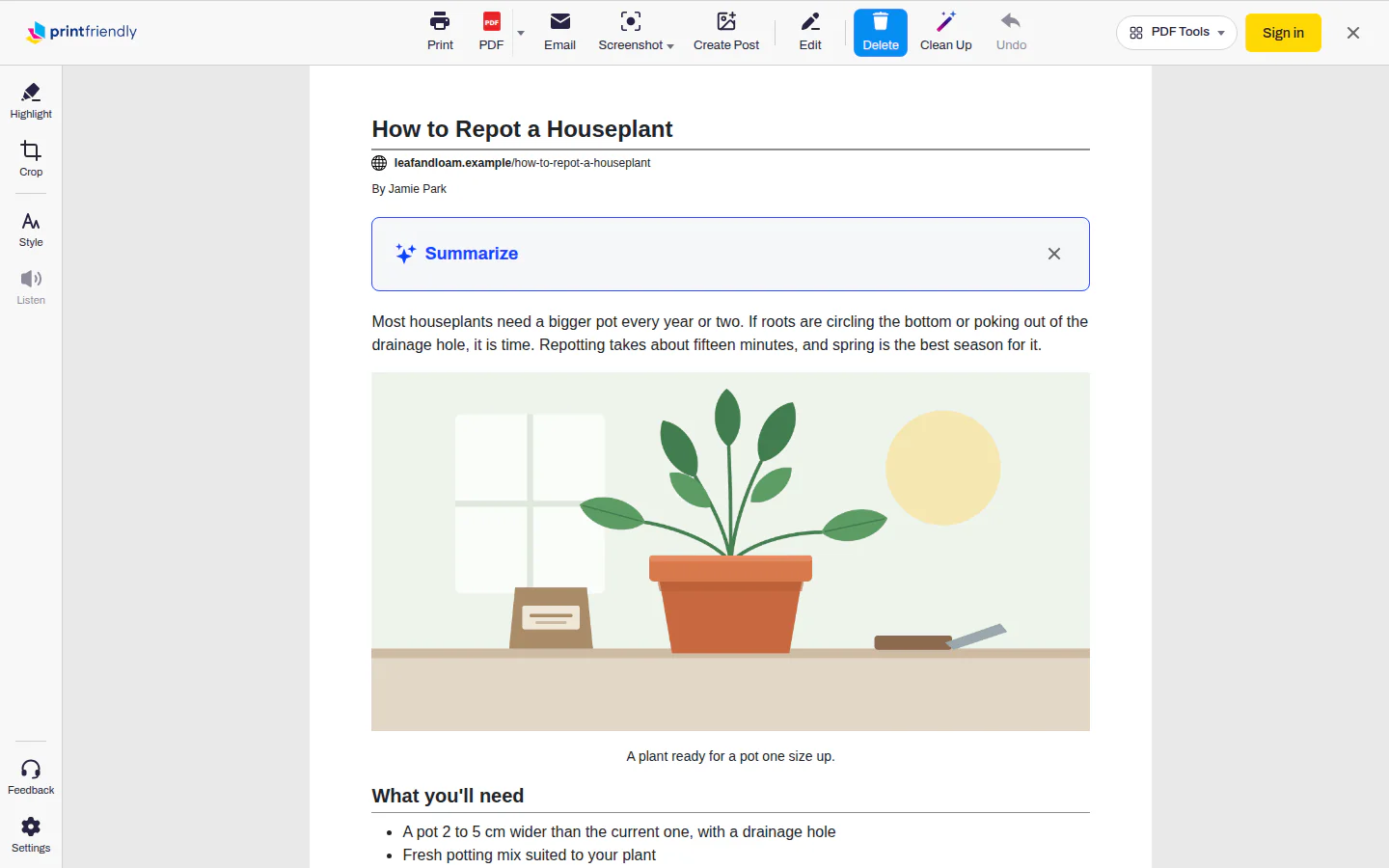
- With the story open, click the PrintFriendly button in your browser's toolbar, then choose PrintFriendly View.
- Click Print, or PDF to save it.
Something else still hanging around, like a newsletter box or a list of related links? Delete is on when the view opens, so one click removes a paragraph or picture. Or let Clean Up clear the leftovers for you (it needs a free account).
You'll need the newest version of the PrintFriendly extension, for Chrome and other browsers. The extension features list has everything else PrintFriendly View can do.